> ## Documentation Index
> Fetch the complete documentation index at: https://docs.getmeasure.com/llms.txt
> Use this file to discover all available pages before exploring further.
# Custom Email Domains
Measure allows you to configure a Custom Email Domain to send transactional or notification emails (e.g., invoices, alerts) using your own domain (e.g., @yourcompany.com). This ensures brand consistency and improves email deliverability.
### Configuring Your Custom Email Domain
* Before you begin, ensure you have access to your domain's DNS settings as you will need to modify them to verify ownership
* From the left menu, click on **Integrations**
* Click Install on **Custom Email Domain**
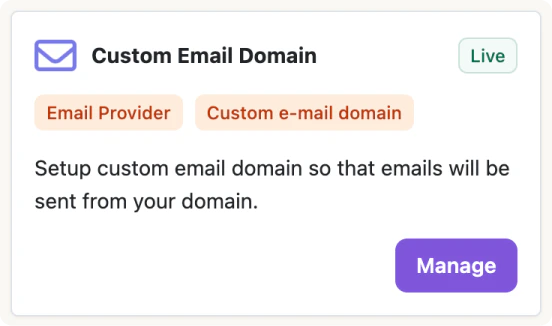 * Enable the Custom Domain and/or Email Provider setting
* Configure your
* "From" Address
* Custom Domain
* Sender Addresses
* Enable the Custom Domain and/or Email Provider setting
* Configure your
* "From" Address
* Custom Domain
* Sender Addresses
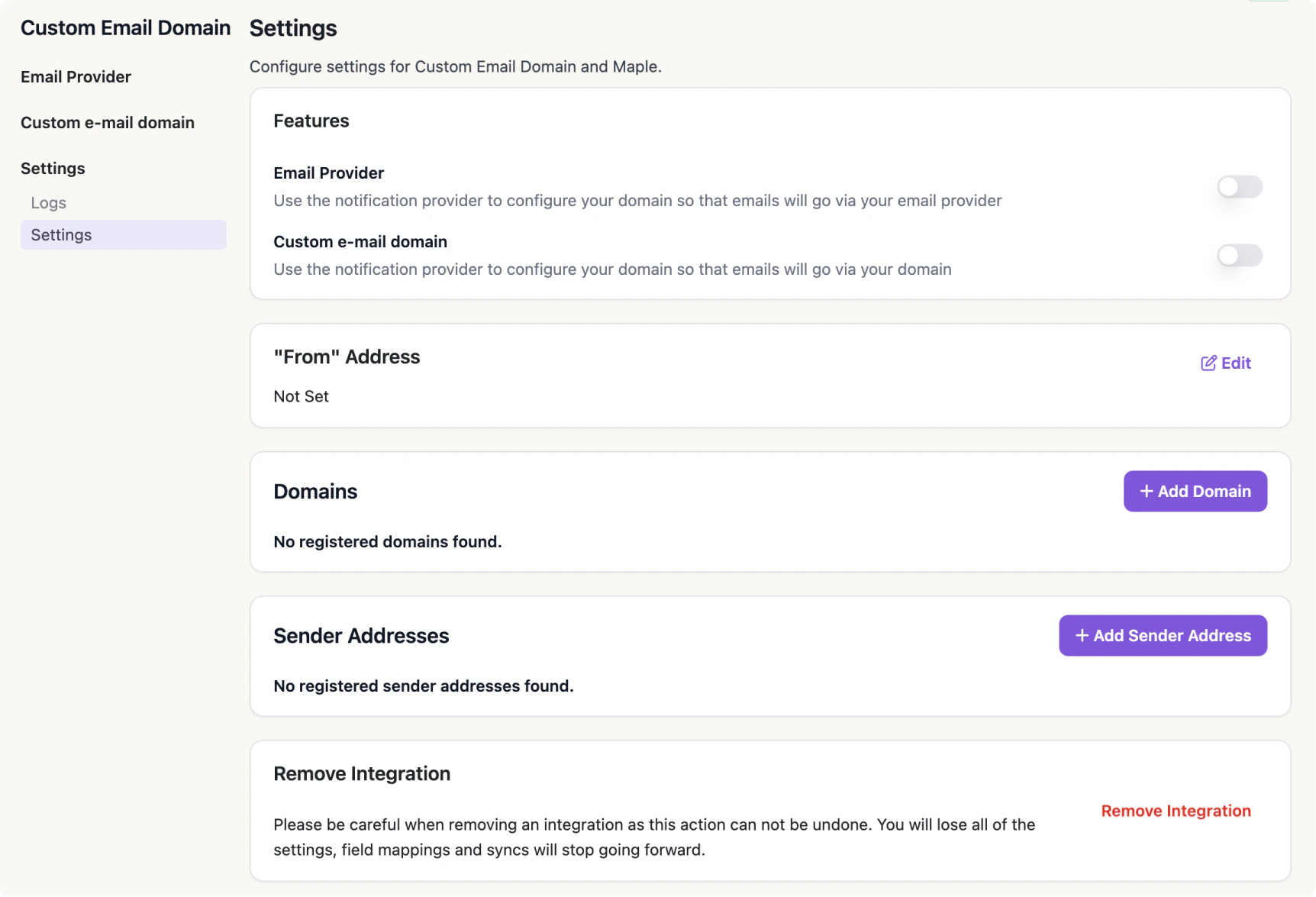 Once set, your email will be delivered from the configured address and/or domains.