Configuring Your Custom Email Domain
- Before you begin, ensure you have access to your domain’s DNS settings as you will need to modify them to verify ownership
- From the left menu, click on Integrations
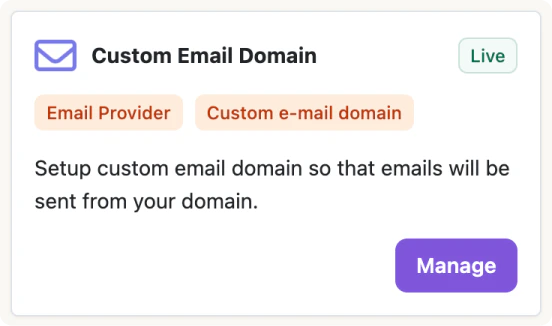
- Click Install on Custom Email Domain
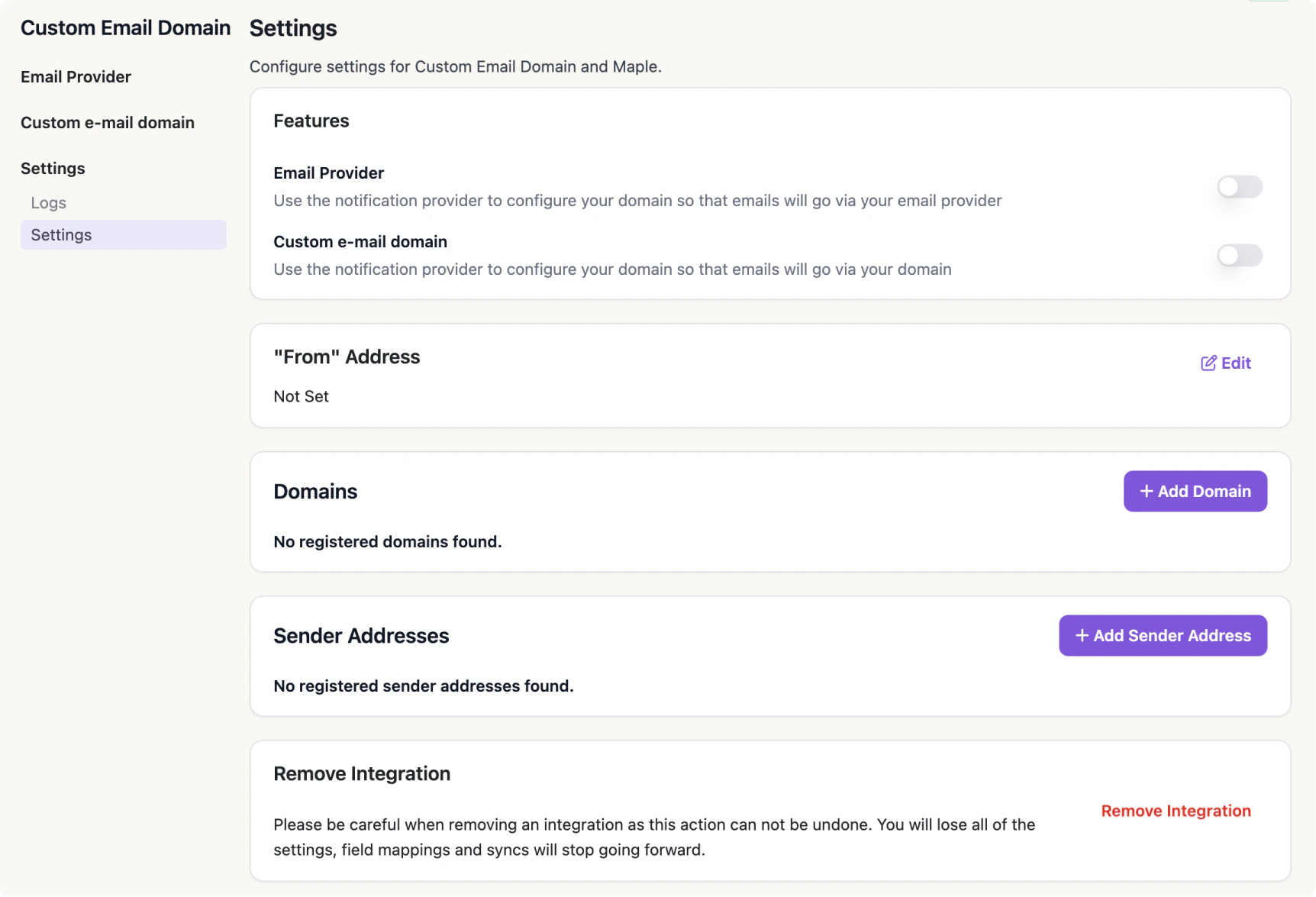
- Enable the Custom Domain and/or Email Provider setting
-
Configure your
- “From” Address
- Custom Domain
- Sender Addresses