Get to your first subscription or one-time invoice in minutes using the Measure dashboard, with no code required.
Get to your first subscription or one-time invoice in minutes. This guide uses only the Measure dashboard, with no code required.
New to Measure? Read Core Concepts first for an overview of key terms and entities. For a deeper billing integration via the API, see the API Quickstart.
Build your product and pricing catalog in Measure.Go to the Measure dashboard → Products → Overview → Add New Product.
Add a new product from the Products overview
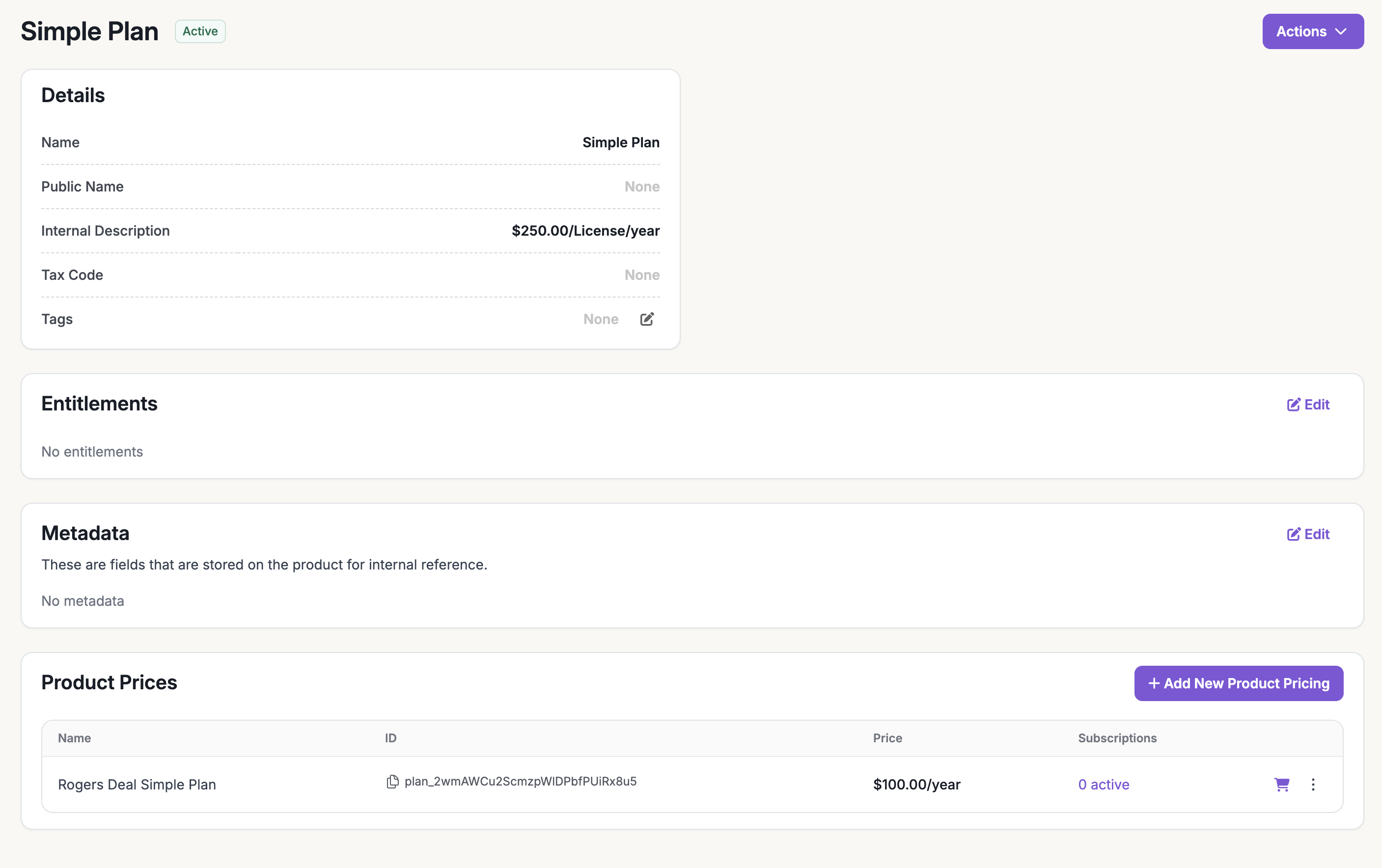
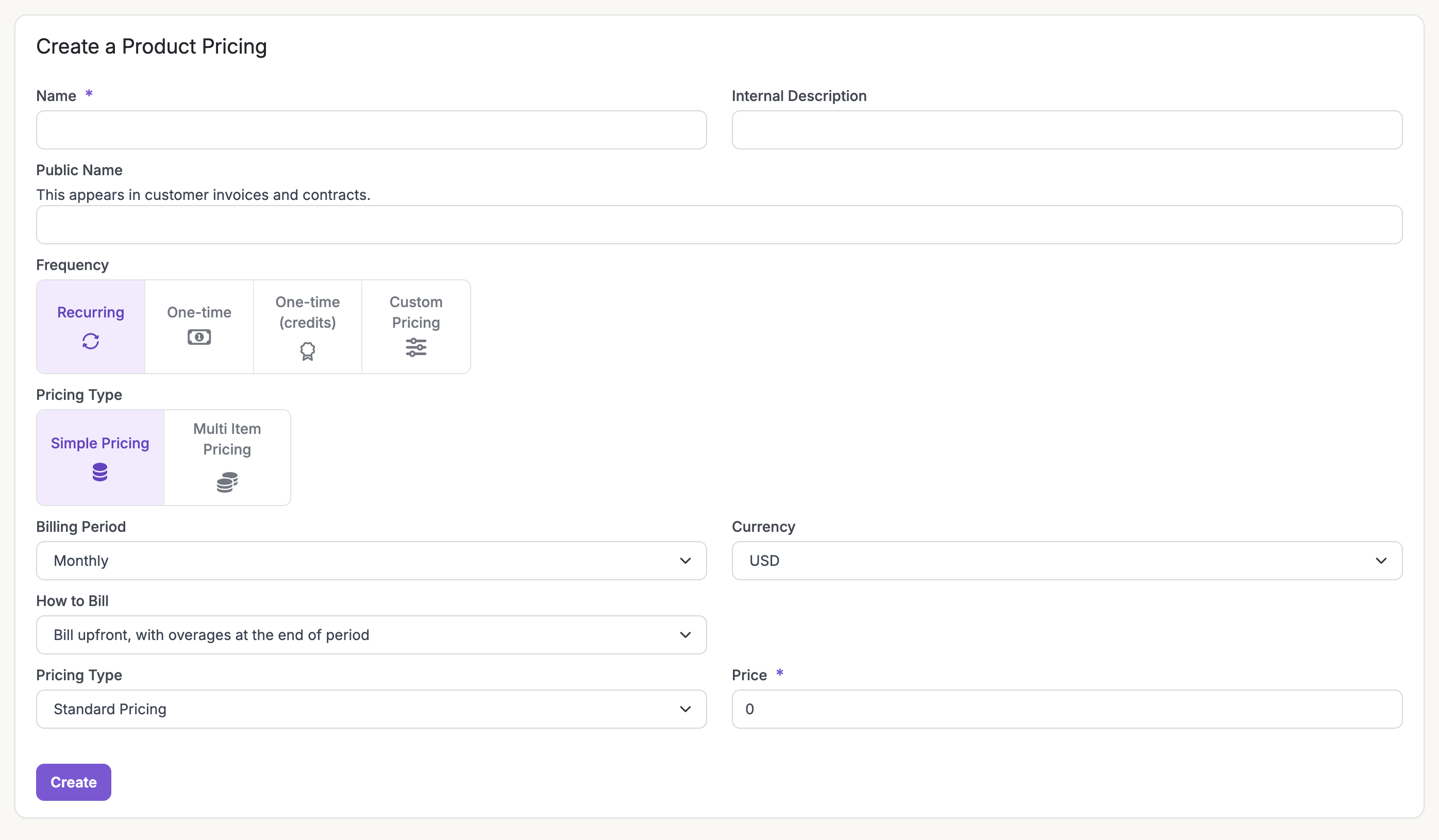
Under the new product, click Add New Product Pricing to create a plan.
Add product pricing to define a plan
You can add multiple recurring pricing components under a single plan at different billing frequencies with multi-item pricing. For advanced pricing, see Setting up billable metrics.
2
Set Up Your Payment Provider
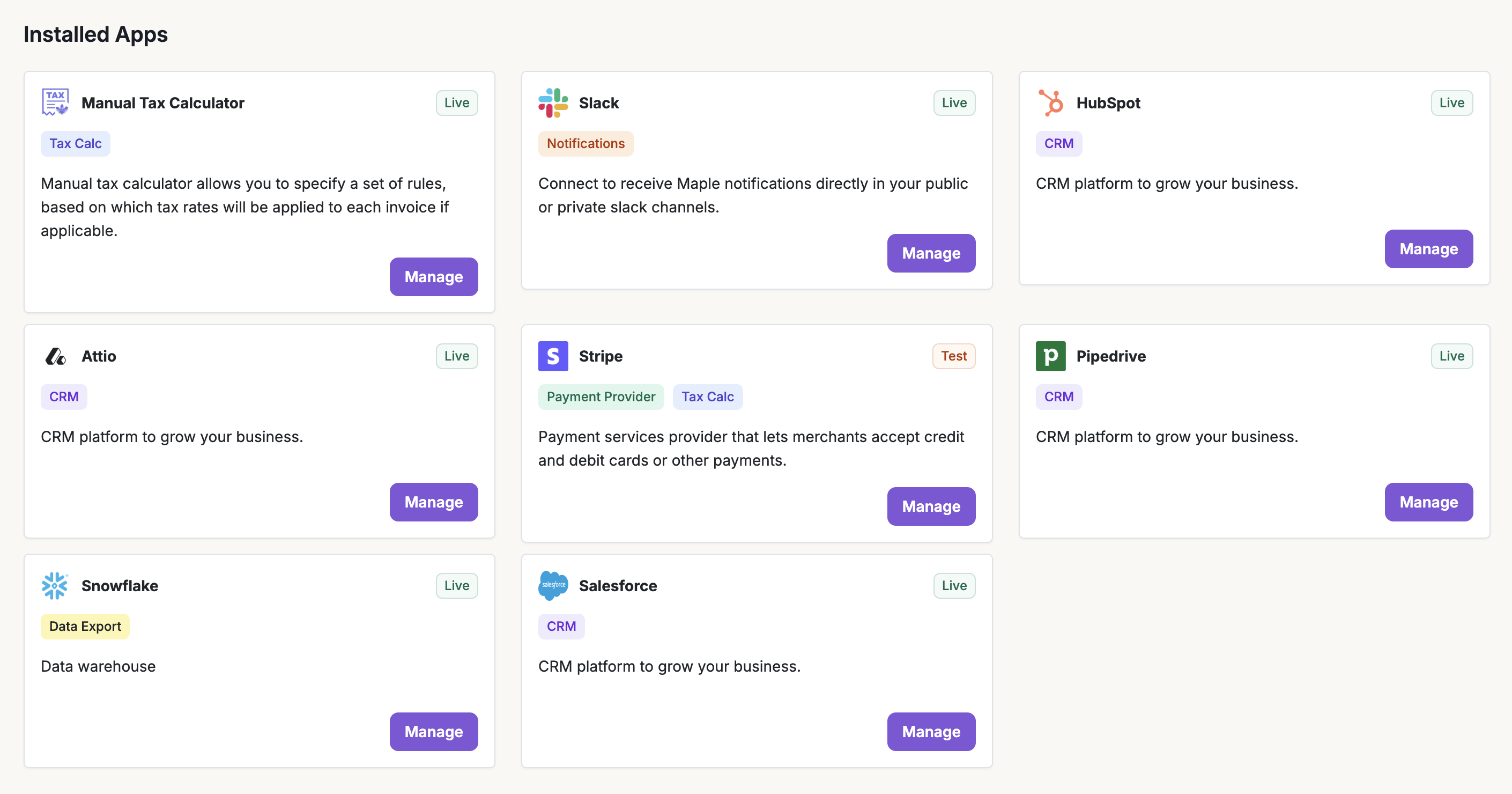
Connect a payment provider so Measure can charge invoices.Go to Integrations and click Connect on Stripe (or another supported provider). Complete the connection flow to link your account.
Connect Stripe or another payment provider in Integrations
3
Create a Customer and Subscription
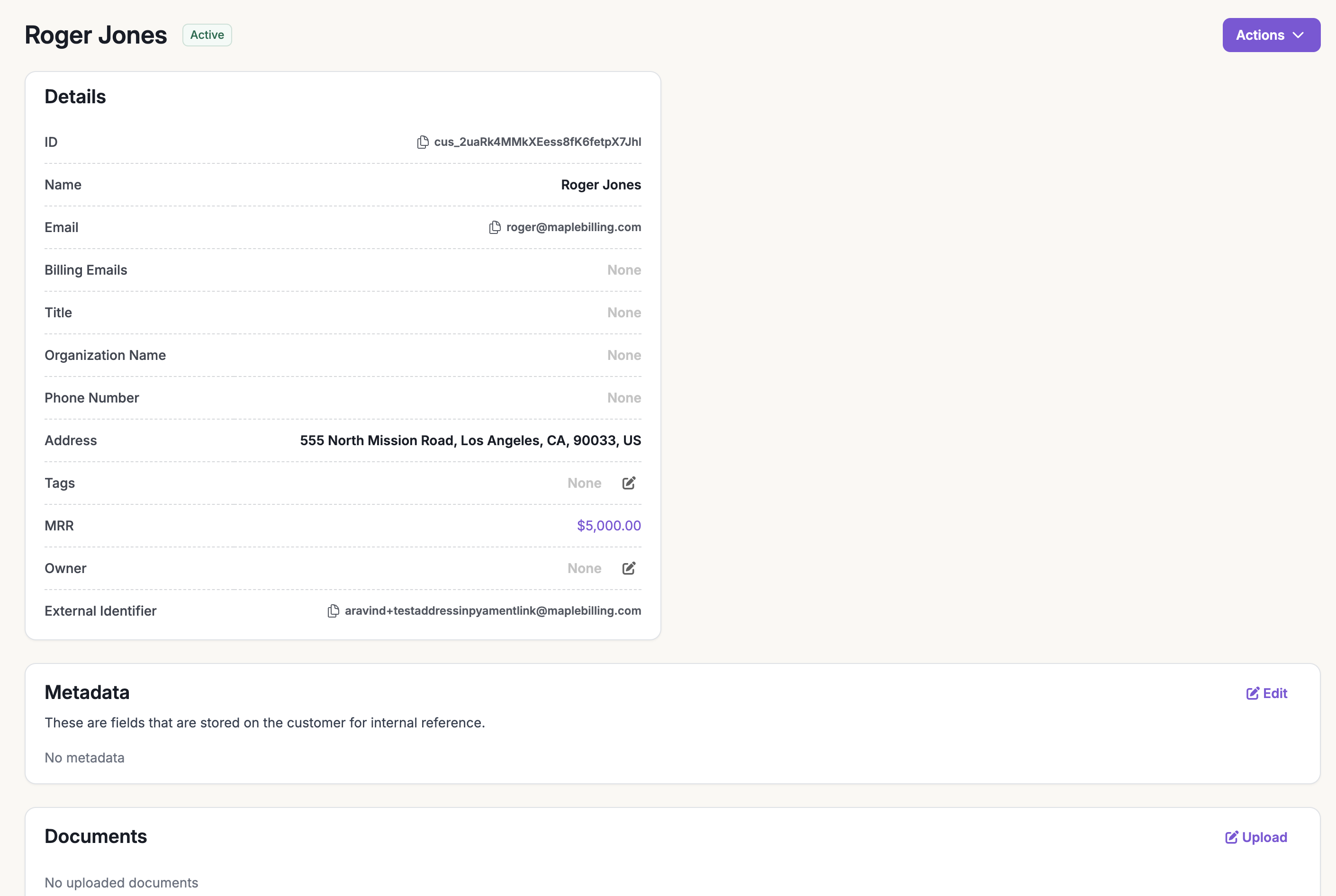
Create a customer, then attach a subscription to start billing.Go to Customers → Create Customer, add the customer details, and click Add Customer.
If you use a CRM integrated with Measure (see Sales and CRM integrations), you can go to Subscriptions → Create New Subscription and select the customer from your CRM.
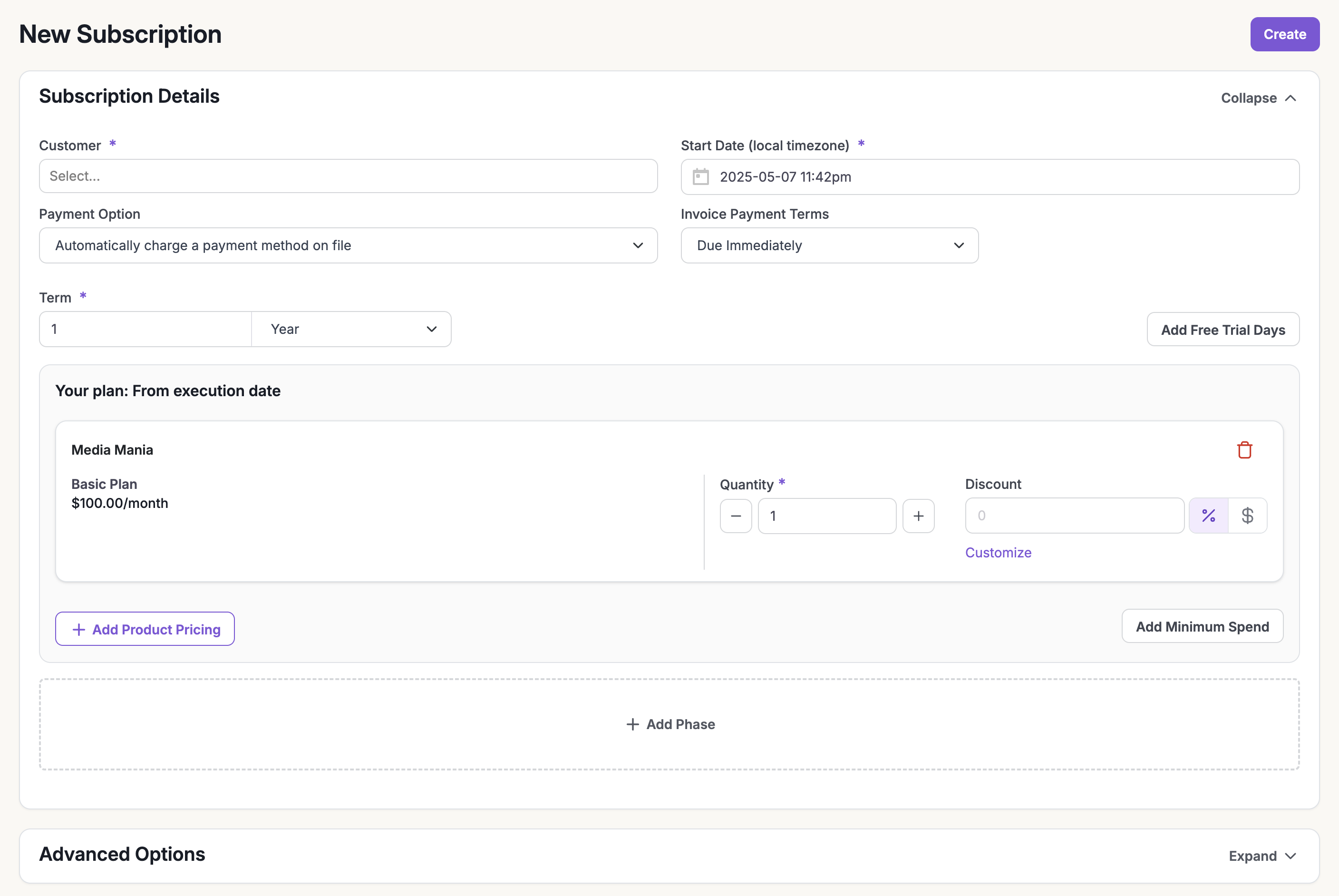
Go to Subscriptions → Create New Subscription, choose the customer, and click Create Subscription.
Create a new subscription and select the customer
Select your plan (e.g., Basic Plan). Use Advanced Options for an end date, manual billing, or net terms.
Choose the product plan for the subscription
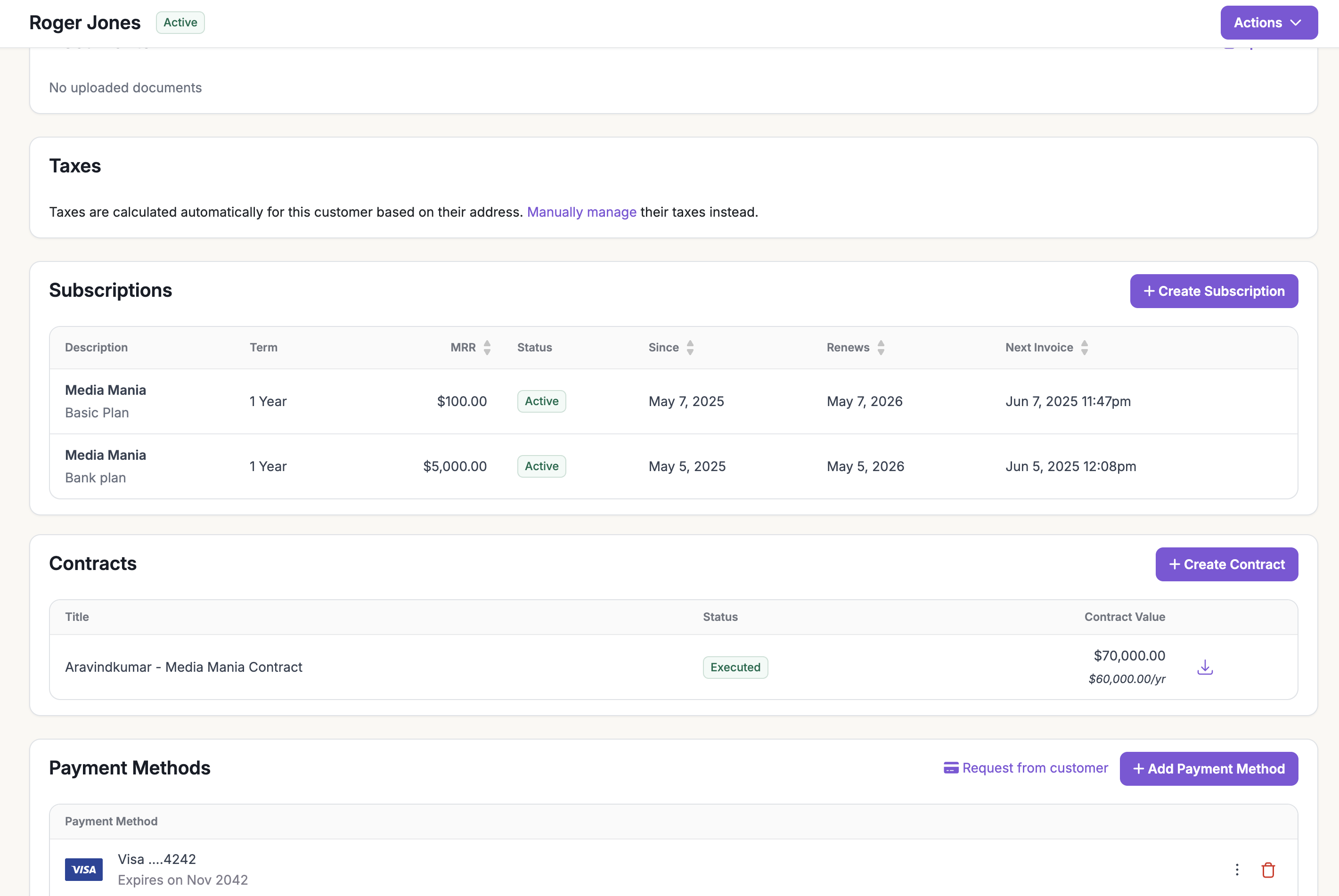
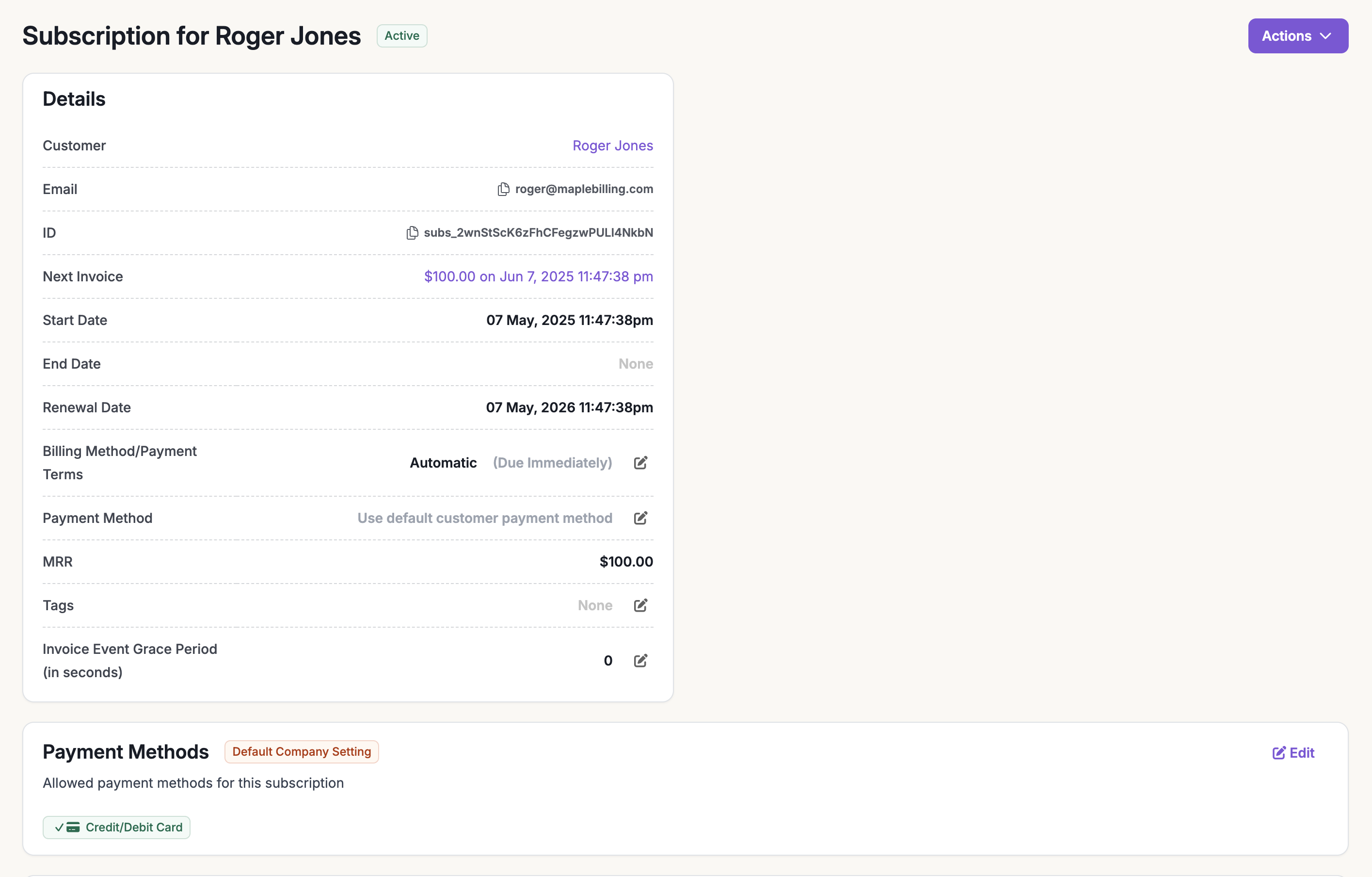
The new subscription appears under the customer.
Subscription created and shown under the customer
4
Review Your First Invoice and Preview the Next
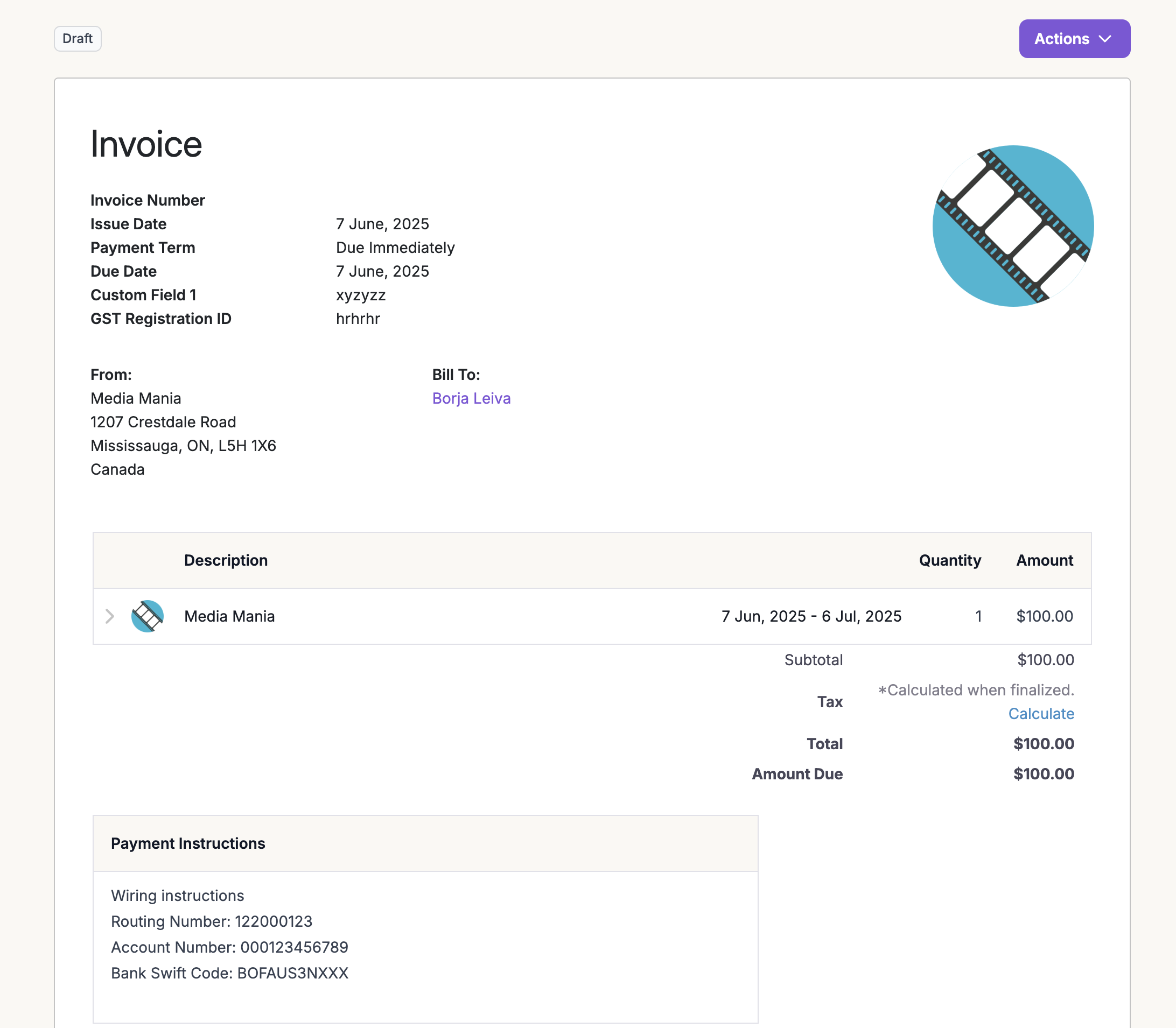
When the subscription is created, the first invoice is generated and you get a preview of the next invoice.
First invoice and preview of the next invoice
If the customer has a payment method on file and the subscription is set to auto-charge, the invoice is charged and marked as paid automatically.In manual invoicing mode, the invoice stays open for you to share with the customer for payment.
Manual invoice view: share with the customer for payment
You now have a live subscription, an issued invoice, and (with auto-charge) a completed payment. For more, see Invoicing.