

Official MCP Server
The Measure MCP server lets you interact with the Measure API through any MCP-compatible AI client (Claude Code, Cursor, etc.) using natural language. Under the hood it proxies your requests to the same Measure REST API, so all existing permissions and rate limits apply.Prerequisites
- An active Measure account
- An MCP-compatible client (see Supported Clients)
Supported Clients
Claude.ai
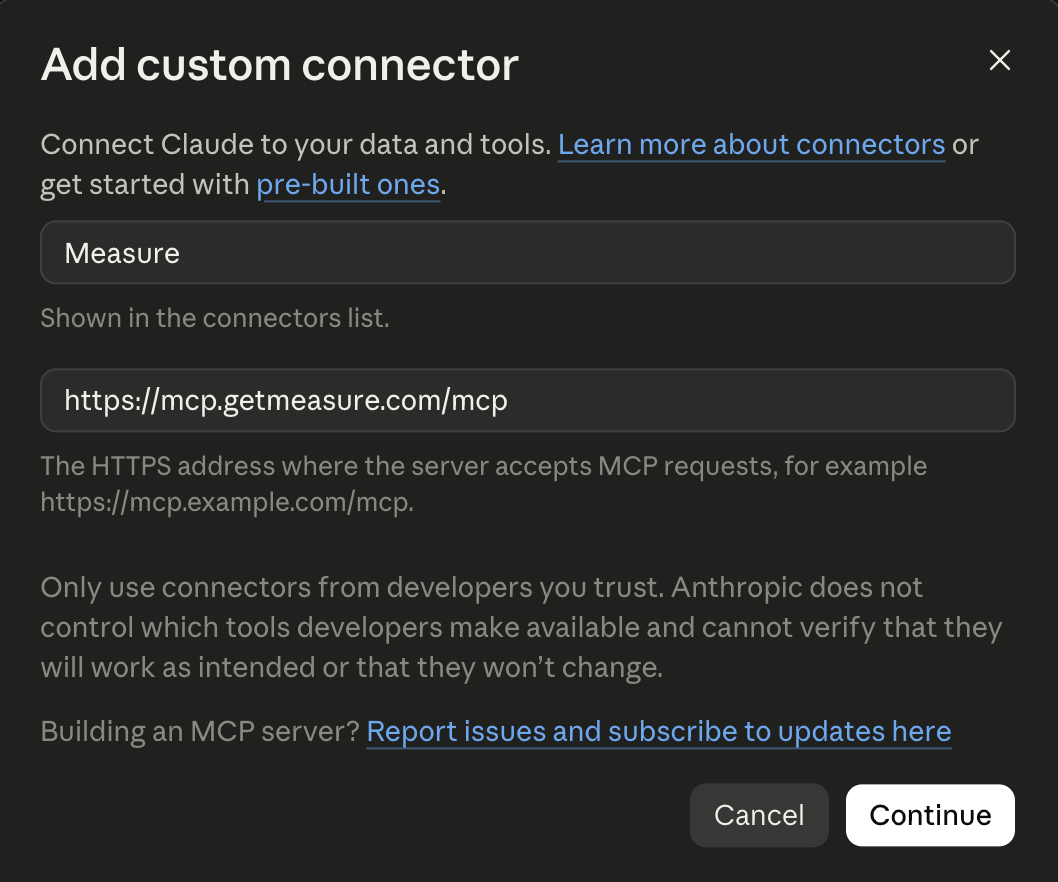
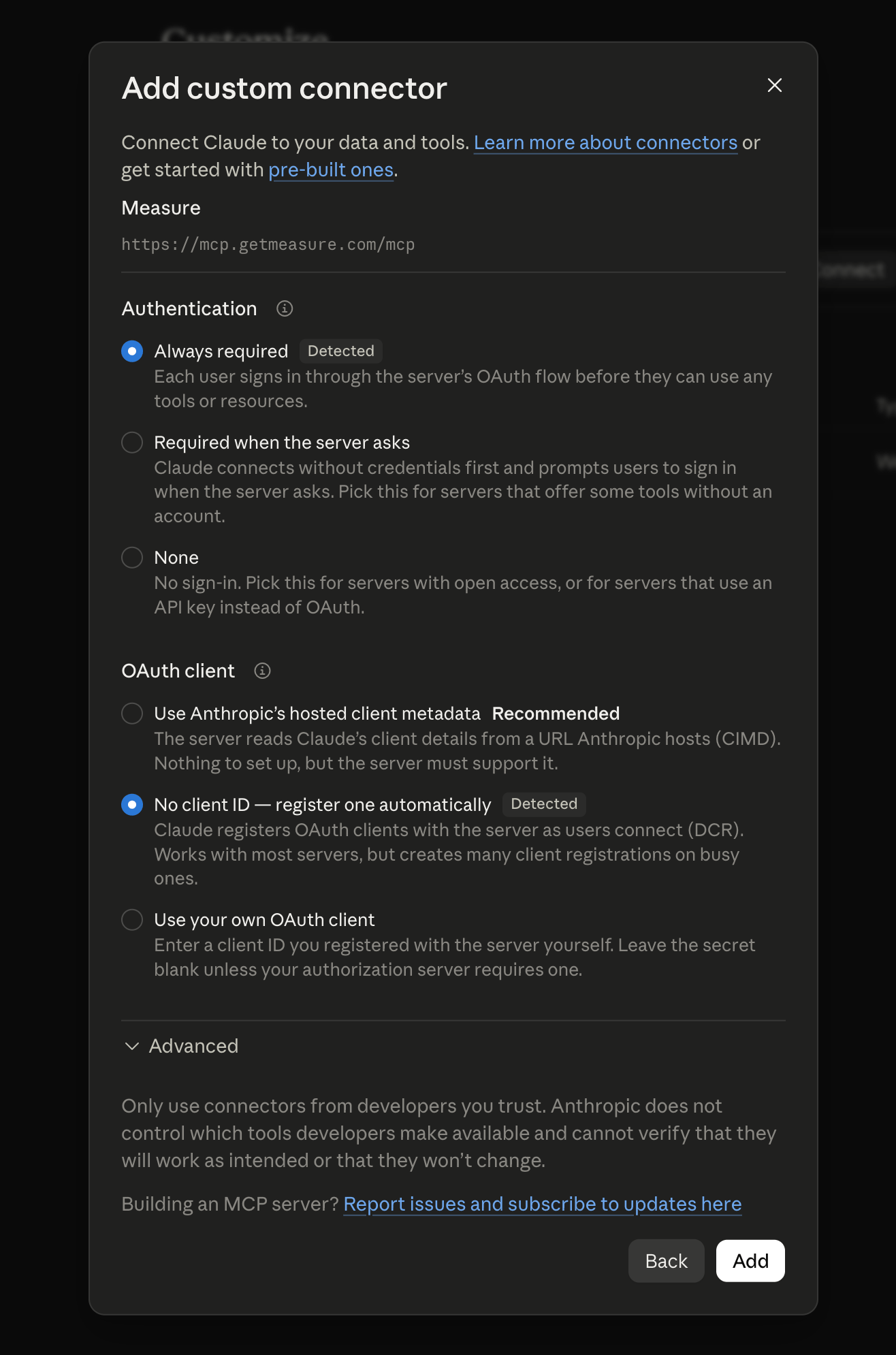
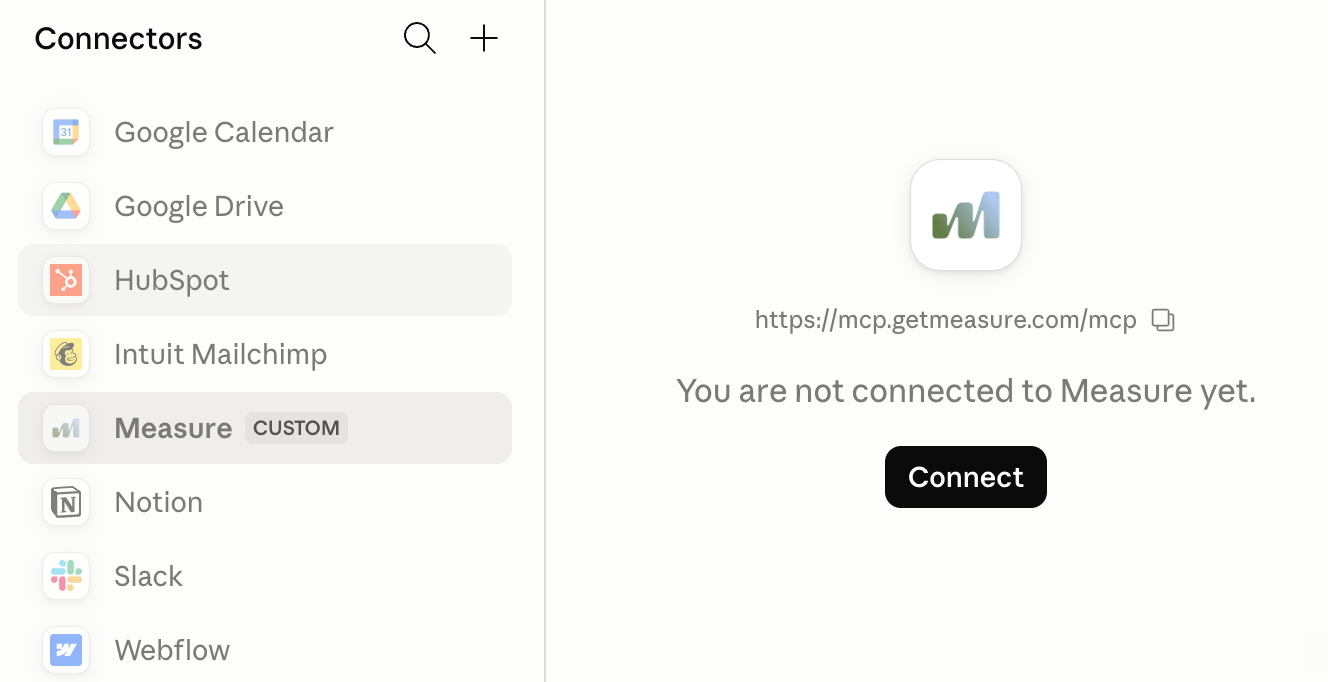
Step 1 — Add Measure as a custom connector In Claude Desktop or Claude.ai, navigate to Connectors. Click button to add new connector Enter a Name (e.g.Measure) and Remote MCP server URL: https://mcp.getmeasure.com/mcp
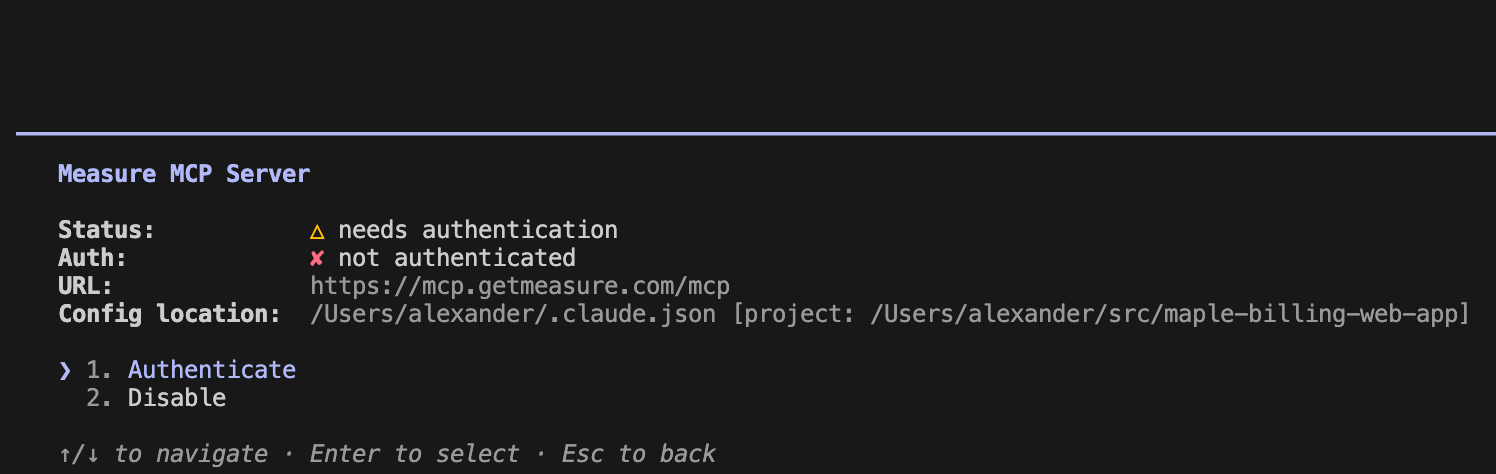
Claude Code
Step 1 — Run the following command in your terminal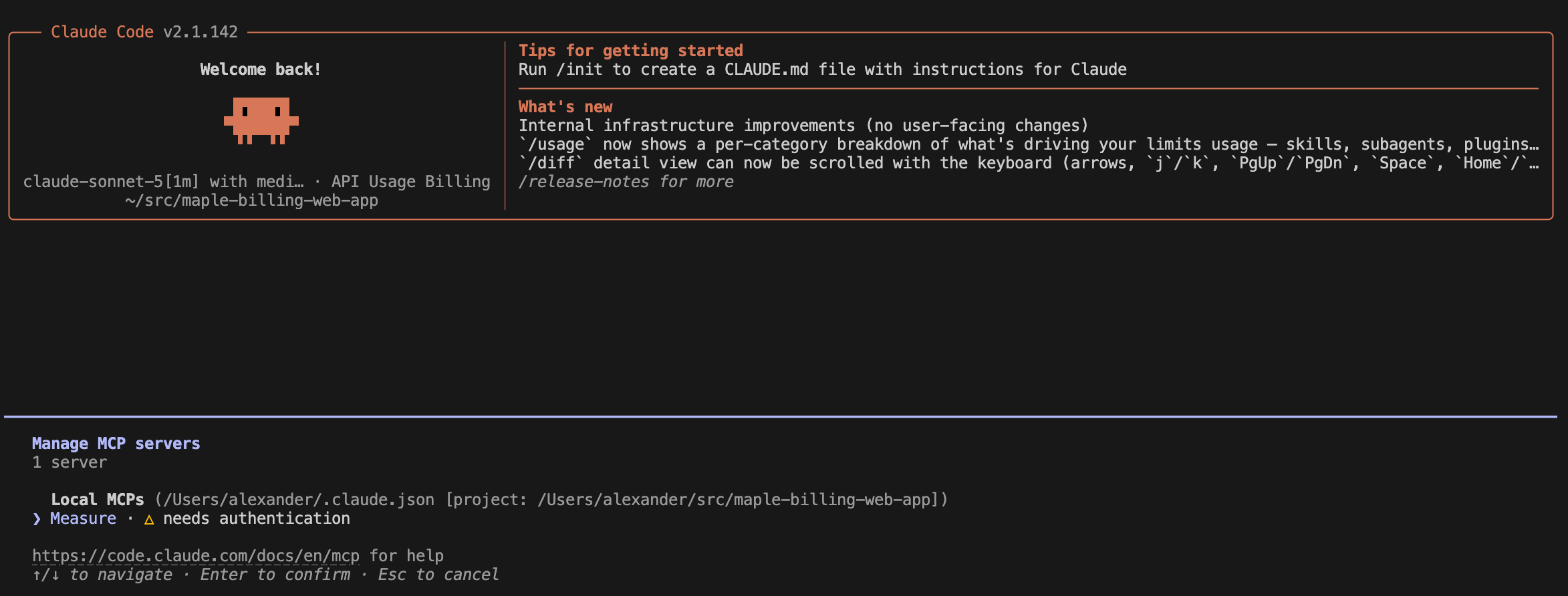
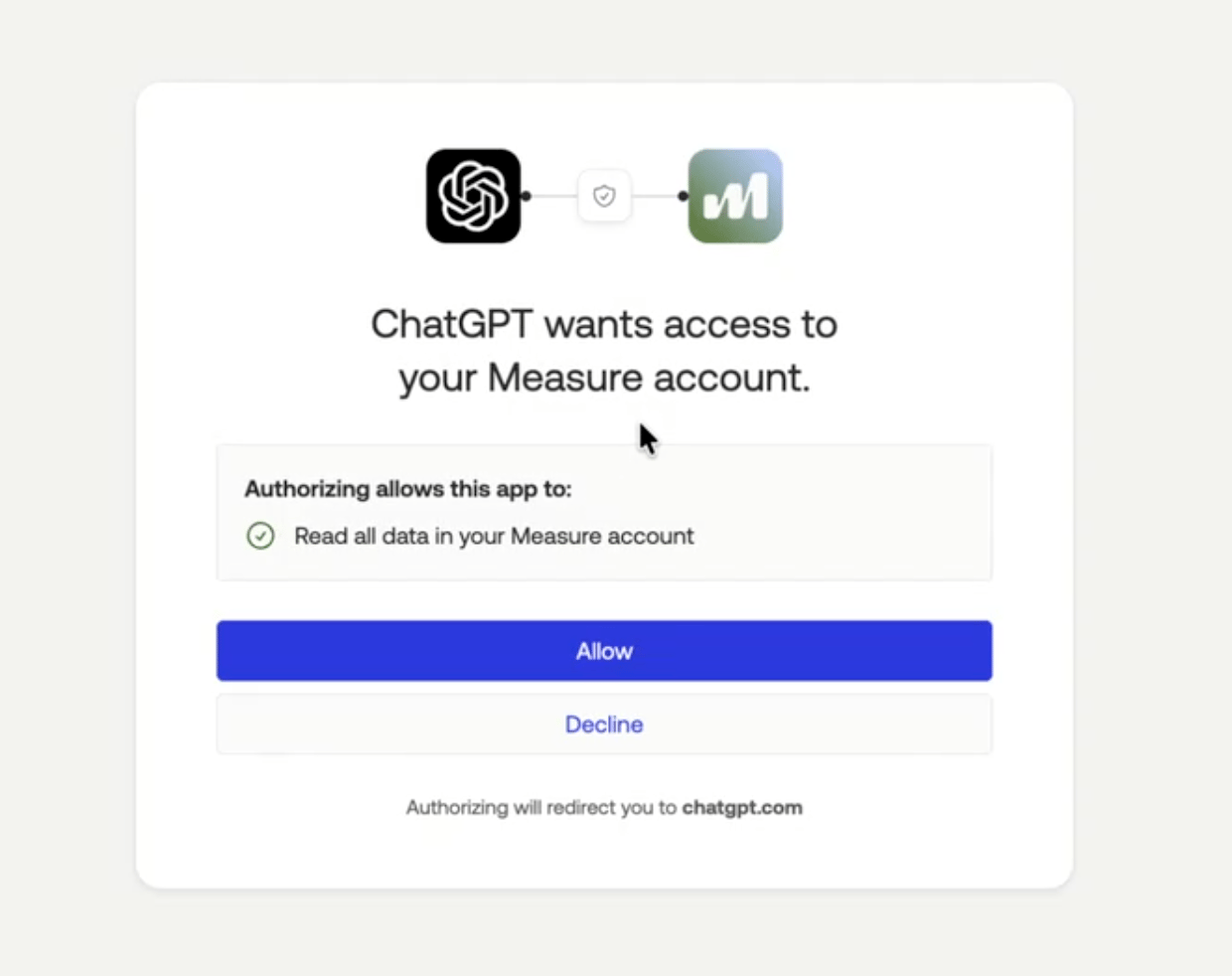
ChatGPT
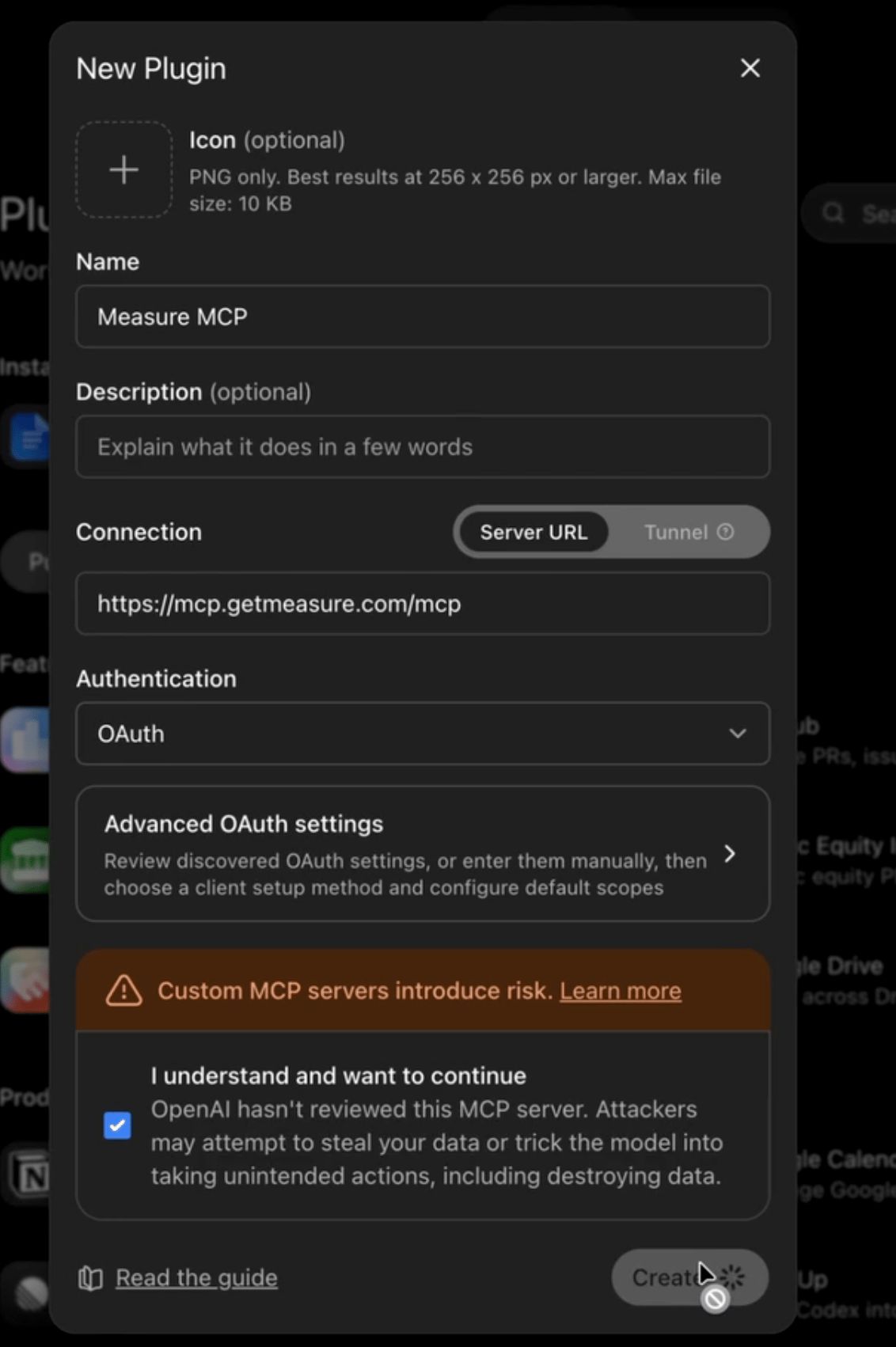
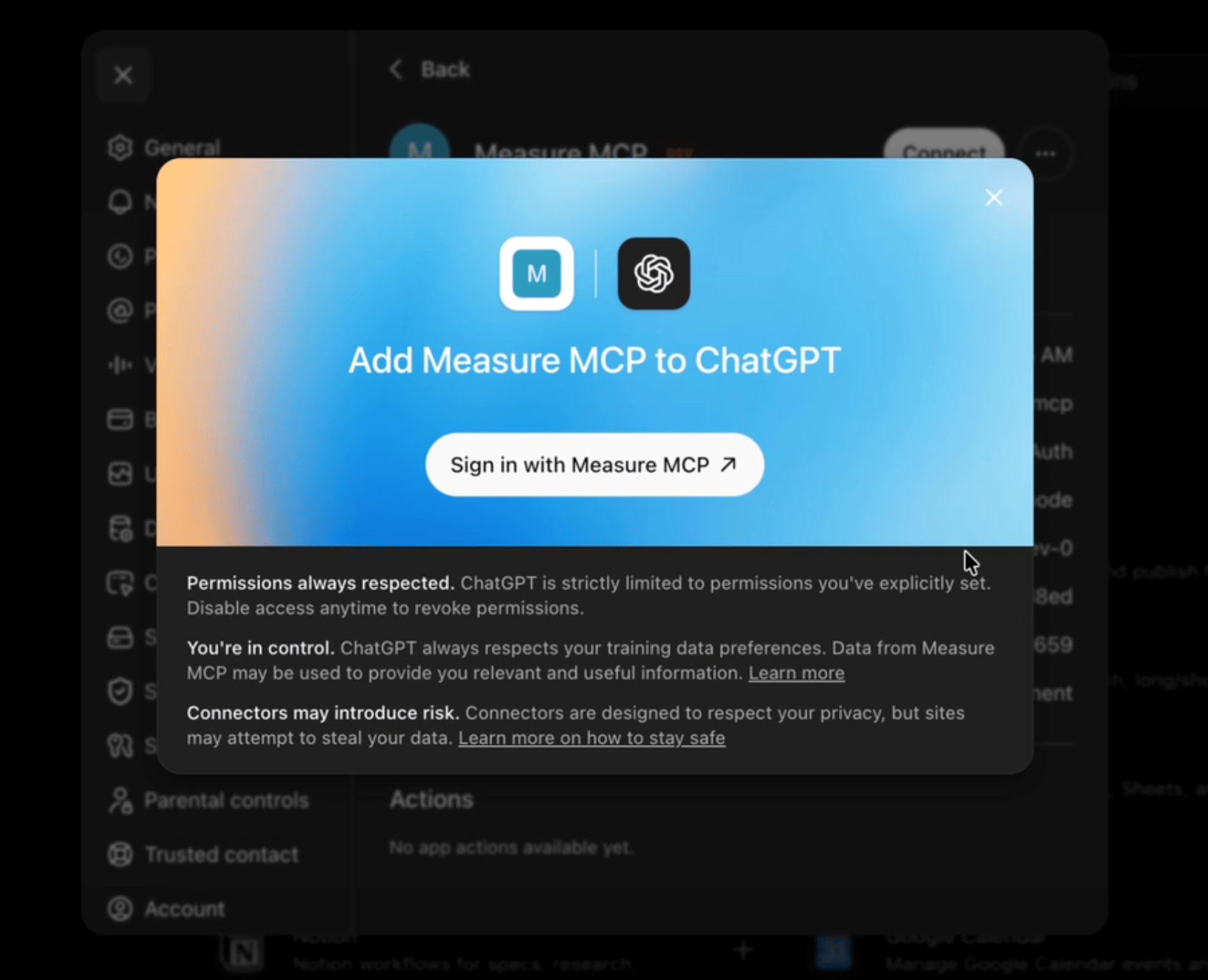
Step 1 — Add Measure as a new plugin In ChatGPT, navigate to Plugins. Click button to add new plugin Enter a Name (e.g.Measure) and Connection server URL: https://mcp.getmeasure.com/mcp
Cursor
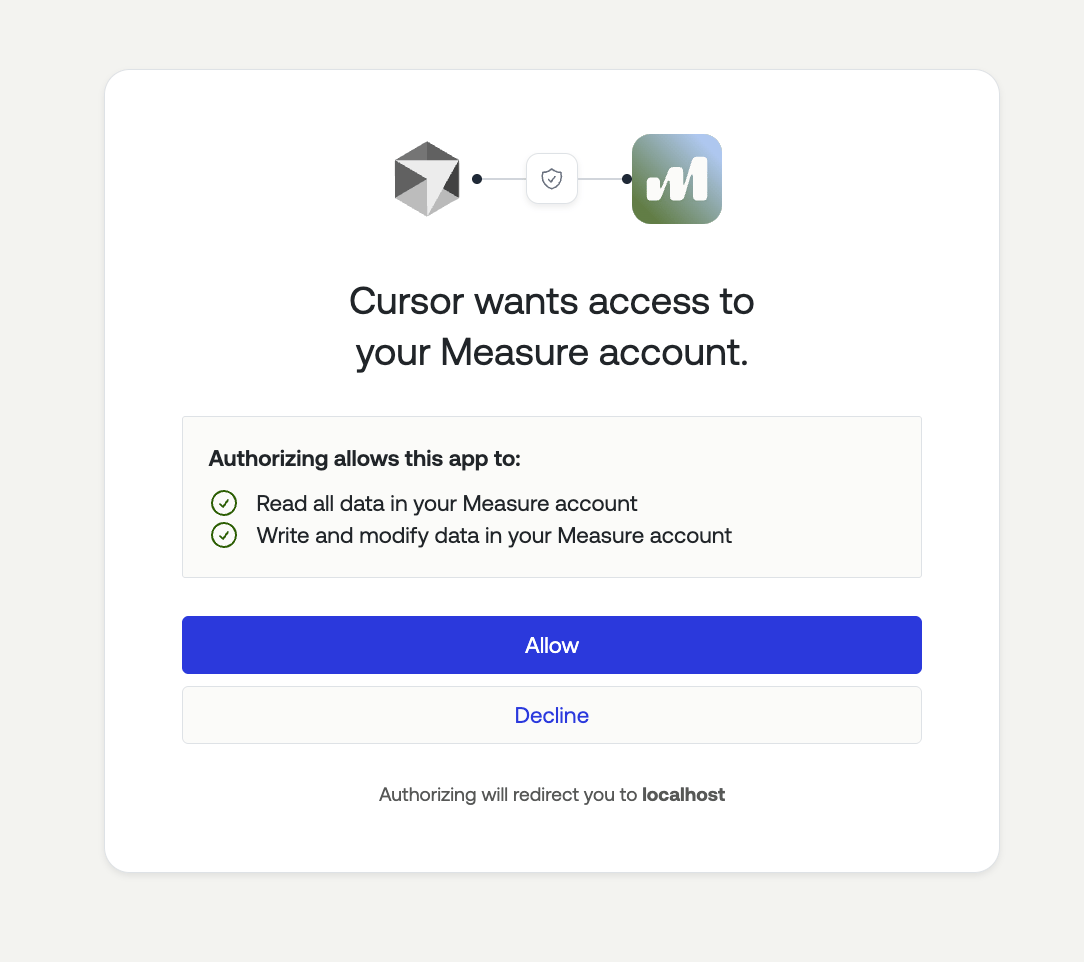
Step 1 — Add Measure as a new MCP Server In Cursor, navigate to Customize. Click button to add MCP Server Add the following to the mcp.json file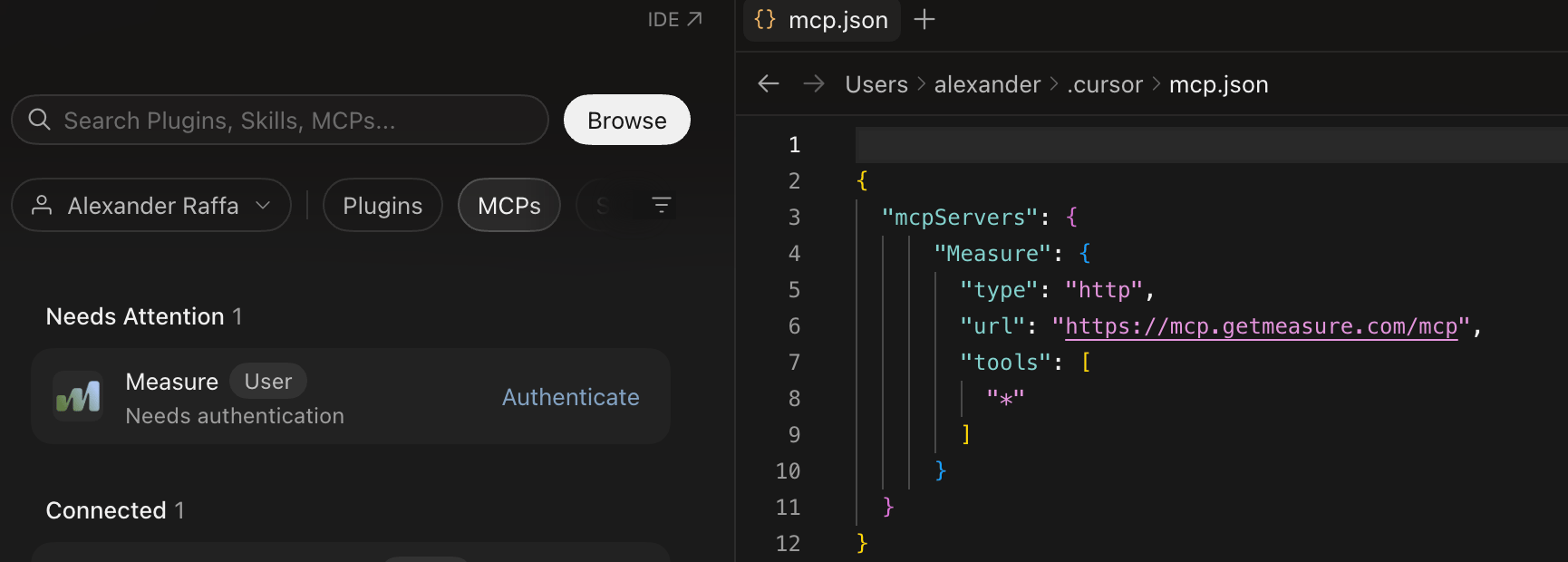
Other Ways To Connect - Avoiding OAuth
Any client that supports the MCP Streamable HTTP transport can connect using:- Endpoint:
https://mcp.getmeasure.com/mcp MEASURE_API_TOKENheader: your Measure API keyMEASURE_COMPANY_IDheader: your Measure company ID
Example prompts
Once connected, you can ask Claude things like:- “Show me all overdue invoices from this month”
- “Find all active subscriptions for Acme Corp”
- “Which customers have the highest MRR?”
- “List contracts expiring in the next 90 days”
Troubleshooting
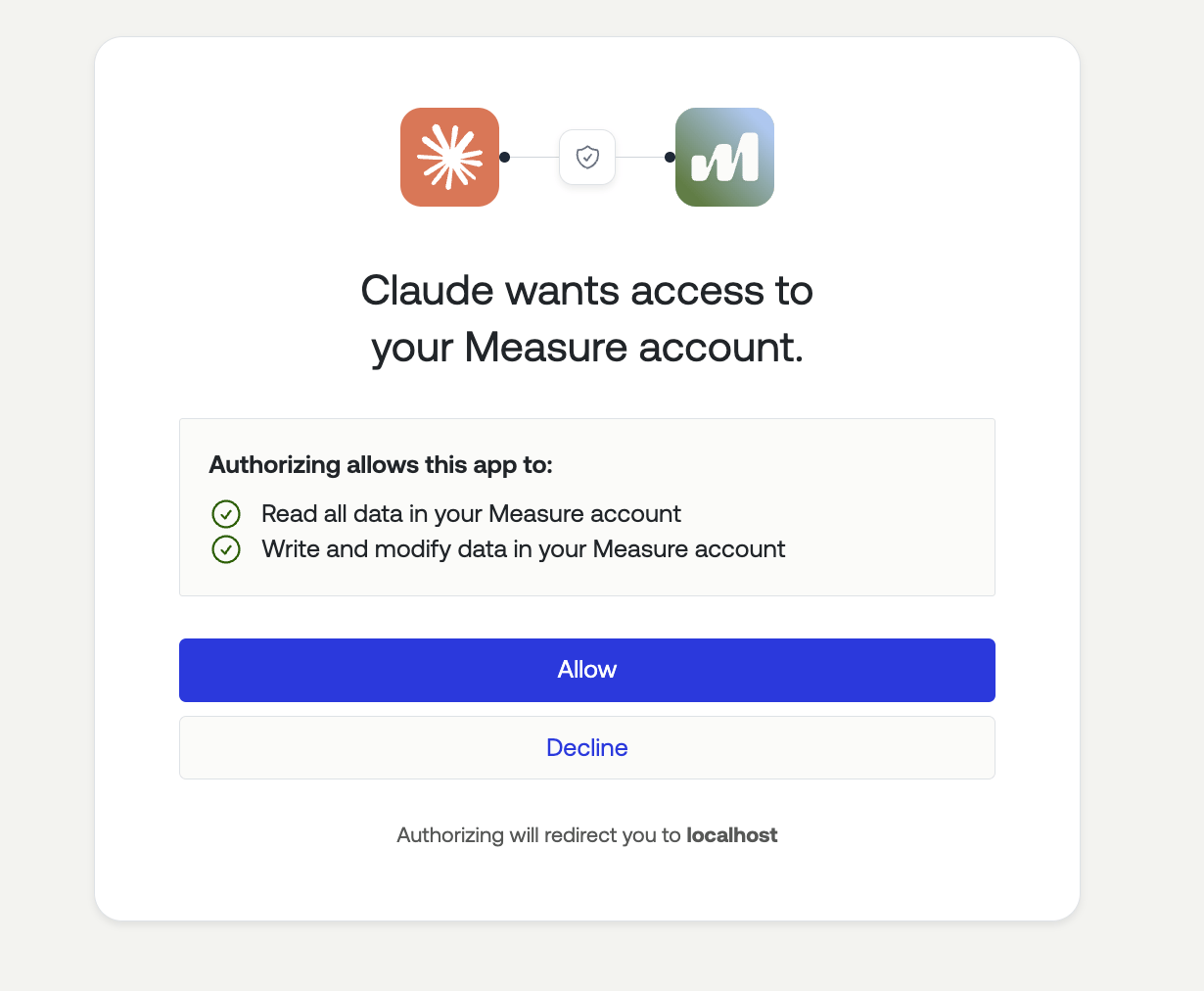
Measure doesn’t appear in my connector list On Claude Team or Enterprise accounts, your Claude admin may need to enable third-party connectors. Ask them to enable the Measure connector for your organization. Authorization failed or redirected incorrectly Make sure you’re logged into the correct Measure account in your browser before clicking Connect, and that you have permission to authorize third-party integrations in that Measure organization.Giving your AI assistant context
For best results, load the Measure data model reference into your AI assistant’s context before starting a session. It explains how BillableItems, ProductPricings, BundlePricings, Subscriptions, and Customers relate to each other - which helps the assistant form correct queries and avoid common mistakes. In Claude Code, you can do this with:CLAUDE.md:
Available Tools
Read-Only Tools
Write Tools
Building your own MCP server
In the meantime, you can build a custom MCP server using our OpenAPI specification. The OpenAPI spec provides a complete definition of all Measure API endpoints, making it straightforward to generate an MCP server that works with any AI assistant that supports the Model Context Protocol.Options for building
There are several approaches you can take to build an MCP server for Measure: 1. Generate with AI assistants You can use Claude or other AI assistants to automatically generate an MCP server from the Measure OpenAPI specification. Simply provide the specification and ask the AI assistant to create an MCP server implementation in your preferred language. 2. Use MCP SDKs The Anthropic MCP SDK provides tools and libraries for building MCP servers in TypeScript and Python. You can use these SDKs to create a custom server that wraps the Measure API. 3. Use OpenAPI-to-MCP conversion tools Several community tools can automatically convert OpenAPI specifications into MCP servers, allowing you to generate a working server with minimal effort.Setting up your MCP server
To build and configure your own MCP server:- Download the Measure OpenAPI specification
- Create an API token from the Measure dashboard under Developers > API Token
- Use your preferred method to generate the MCP server from the OpenAPI specification
- Configure the server with your API token for authentication
Important considerations for bulk operations
Some operations that require extra care include:- Bulk subscription cancellations: Canceling multiple subscriptions at once will immediately stop billing for those customers
- Bulk pricing changes: Changing pricing for multiple subscriptions simultaneously will affect future invoices
- Bulk refunds: Processing refunds in bulk will immediately credit customer accounts and impact your revenue
- Bulk status changes: Changing subscription or customer status in bulk can affect access to your services
What you can do with an MCP server
With a Measure MCP server connected to your AI assistant, you can perform operations such as:- Create and manage customers
- Set up and modify subscriptions
- Generate and send one-off invoices
- Process payments and refunds
- Manage products, pricing, and plans
- Handle credits, discounts, and promotions