

Full list of webhooks
Please take a look at the Webhooks Reference for a full list of webhooks.Setting up webhooks
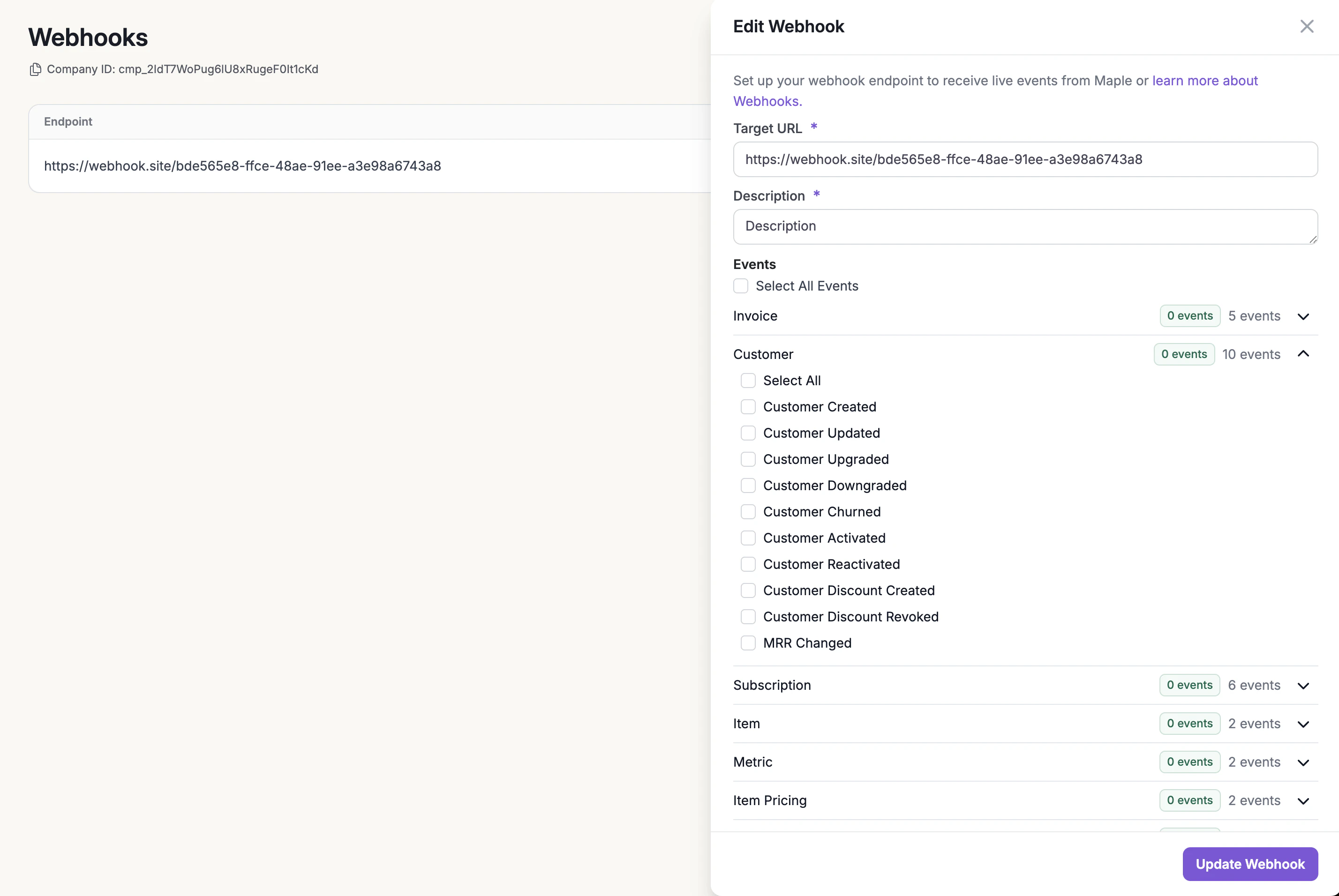
Webhooks can be enabled and configured through the Measure dashboard under the Developers section. You can subscribe to specific events or all events.- Go to the Webhooks sub-section under Developers.
- Click on New Webhook button
- Add a Target URL, Description and select the events you want to listen to. Then click Add Webhook
- Copy the secret.
Security
Measure will only send webhooks via aPOST request to an HTTPS endpoint. Each request will also contain X-Maple-Signature header that represents the signature of the request. This signature can be verified to ensure that the webhook came from our servers, prevent replay attacks and ensure a zero downtime key rotation. See this blog post for more details.
A sample header may look something like this:
Receiving webhooks
Verifying webhook signature
We recommend using Convoy SDKs to verify the signature. They have support for a few common programming languages (Go, Ruby, Python, Javascript, PHP). The following code will verify the code and a200status code as the response
Understanding webhook data
Your endpoint must be configured to read the webhook event object. Each event has aevent_type, created_at, data_type and data.
Responding to webhooks
Your endpoint must return a successful status code (2XX) within 30s. Measure webhooks have a built-in retry mechanism for any non-2xx(3XX,4XX, and 5XX) status codes. They will be retried 10 times with an exponential backoff strategy.